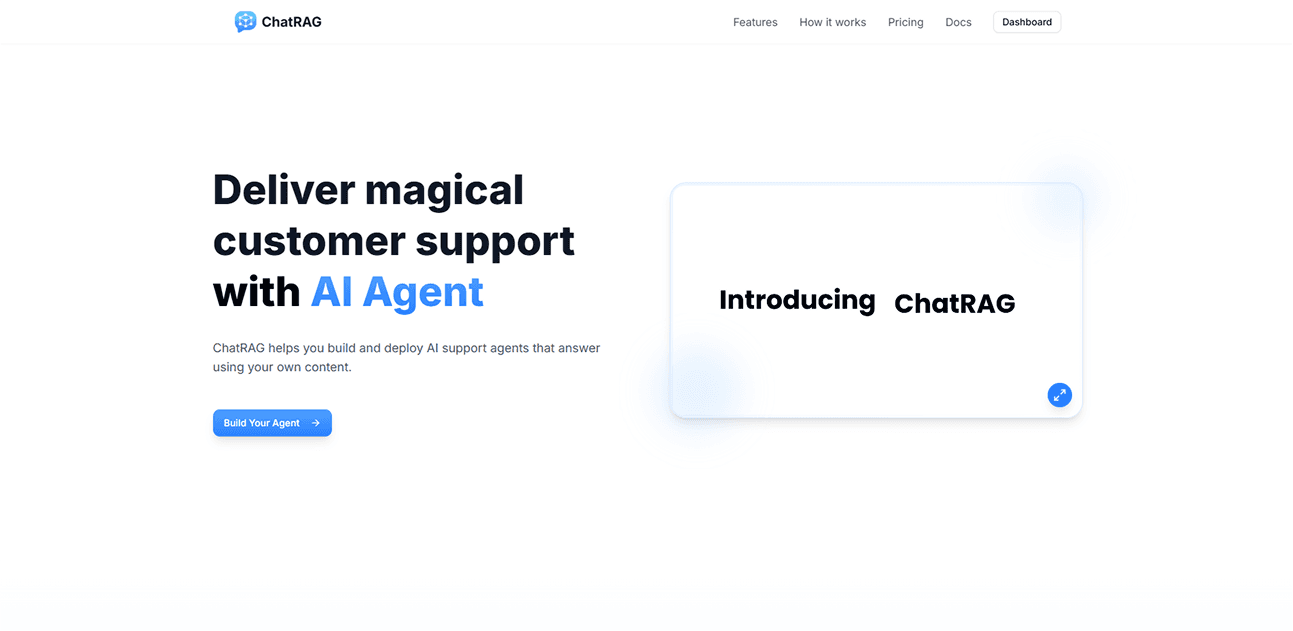
How I Built ChatRAG: An AI RAG Chatbot for Smarter SaaS Support
Discover how we built ChatRAG, an AI-powered RAG chatbot, to improve SaaS customer support and user engagement. Learn our tech stack, challenges, and lessons.
Building intelligent AI agents that understand your business content and provide accurate customer support has never been easier. ChatRAG transforms your existing documents, PDFs, and websites into smart conversational agents that work around the clock.
In this comprehensive guide, we'll show you exactly how ChatRAG works and how you can create AI agents for customer support, sales, and internal tools in just minutes.
What is ChatRAG and Why Every SaaS Needs AI Agents
ChatRAG is an AI agent platform that transforms your existing content PDFs, documents, URLs, and text into intelligent conversational assistants. Unlike generic chatbots, ChatRAG agents understand your specific business context and provide accurate, relevant responses based on your actual content.
The Problem with Traditional Customer Support
Most SaaS companies struggle with:
- High support ticket volume: 70-80% of tickets are repetitive questions
- Slow response times: Average 4-6 hours during business hours
- Scaling challenges: Support costs grow linearly with customer base
- Knowledge silos: Information scattered across multiple platforms
- 24/7 availability: No round-the-clock support without significant costs
How AI Agents Solve These Problems
ChatRAG's AI agents provide:
- Instant responses based on your actual documentation
- 24/7 availability without additional staffing costs
- Consistent quality across all customer interactions
- Seamless integrations with existing tools like Slack, HubSpot, and Discord
- Enterprise-grade security with AES-256 encryption
ChatRAG's Key Features: Everything You Need in One Platform
1. Content-Based AI Agents
Upload Any Content: ChatRAG accepts PDFs, documents, URLs, and plain text, automatically processing and understanding your content for intelligent responses.
Smart Processing: The platform uses advanced AI to comprehend your content structure, context, and relationships between different pieces of information.
2. One-Line Deployment
Deploy your AI agent anywhere with a single line of code:
<script
  src="https://chatrag.co/embed.min.js"
  data-agent-id="your-agent-id">
</script>
Fully Responsive Widget: The embed widget adapts to any website design and works perfectly on mobile, tablet, and desktop devices.
3. Advanced AI Flows and Integrations
Automated Workflows: Set up intelligent workflows that trigger based on user conversations and intent recognition.
Multi-Platform Integration:
- HubSpot: Automatically create contacts, tickets, and deals from chat interactions
- Slack: Send real-time notifications to your support team when users need help
- Discord: Alert community channels about user conversations and updates
4. Enterprise-Grade Security
AES-256 Encryption: All uploaded content is encrypted before storage and only decrypted when needed by your agent.
Data Privacy: Files are never stored in plain text, and only your selected agents can access your content for responses.
Secure Authentication: HMAC token authentication prevents user impersonation and enables personalized experiences.
Step-by-Step: Building Your AI Agent with ChatRAG
Step 1: Getting Started
The ChatRAG setup process is designed to get you up and running quickly:
- Sign up and create your first agent
- Upload PDFs, URLs, or paste content
- Start chatting in your interaction
- Embed on your website when ready
Pro Tip: Higher quality, well-structured content directly improves response accuracy. Include comprehensive FAQs, detailed product guides, and common troubleshooting steps.
Step 2: Content Upload and Processing
Start by uploading your existing support documentation:
- Gather Content: Collect PDFs, help articles, FAQs, product documentation
- Upload to ChatRAG: Use the dashboard to upload files or add website URLs
- AI Processing: ChatRAG automatically analyzes and indexes your content
Step 3: Agent Customization
Configure your AI agent's personality and behavior:
Personality Settings:
- Choose response tone (professional, friendly, technical)
- Set conversation style and language preferences
- Define escalation triggers for human handoff
AI Model Selection:
- Multiple AI models available for different use cases
- Fine-tune response length and detail level
- Adjust confidence thresholds for accurate answers
Step 4: Secure User Authentication Implementation
For personalized experiences, implement secure user identification:
// Backend HMAC token generation
const crypto = require('crypto');
const userId = 'user123';
const secretKey = 'your-embed-secret-key';
const hmacToken = crypto
  .createHmac('sha256', secretKey)
  .update(userId)
  .digest('hex');

// Frontend embed with user authentication
window.chatragUserConfig = {
  user_id: "your-application-user-id",
  user_hash: "generated-hmac-token",
  user_metadata: {
    email: "user@company.com",
    name: "John Doe",
    plan: "enterprise"
  }
};
Security Benefits:
- Prevents unauthorized user impersonation
- Enables user-specific conversation history
- Allows personalized responses based on user data
- Required for advanced integrations and analytics
Step 5: Integration Setup
Connect ChatRAG with your existing tools in your agent's "Flow" tab:
HubSpot Integration
Automatically create contacts, tickets, and deals when users reach out through your AI agent.
Slack Integration
Create a #support channel in your Slack workspace and invite the ChatRAG Agent to receive instant alerts when users need help.
Discord Integration
Create a support channel in your Discord server so ChatRAG can send alerts and messages based on user conversations.
Advanced ChatRAG Features
AI Flows: Intelligent Automation
ChatRAG's AI Flows automatically understand user intent and trigger appropriate actions:
Intent Recognition: The system identifies when users are requesting demos, reporting issues, or seeking specific information.
Multi-Action Workflows: Single conversations can trigger multiple integrations simultaneously, creating seamless user experiences.
Content Security and Compliance
Data Ownership: Your content remains yours ChatRAG never trains on your proprietary data.
Enterprise Security:
- Files are never stored in plain text
- AES-256 encryption protects your content
- Files are decrypted only when accessed by your AI agent or you
- Only your selected agent can access your files for responses
Best Practices for AI Agent Implementation
Content Optimization
Structure Your Knowledge Base:
- Use clear headings and subheadings
- Include step-by-step instructions
- Provide examples and screenshots
- Keep information current and accurate
User Experience Design
Conversation Design:
- Start with clear greeting and capabilities
- Offer suggested questions or topics
- Provide easy escalation to human agents
- Include helpful follow-up suggestions
Mobile Optimization:
- The widget is fully responsive by default
- Test on different screen sizes
- Ensure fast loading on mobile networks
Troubleshooting Common Issues
Embed Widget Problems
Widget Not Appearing?
- Ensure the embed script is loaded correctly
- Verify your agent ID is valid
- Check browser console for any errors
Response Accuracy Issues
Agent Responses Are Inaccurate?
- Try uploading more relevant content
- Adjust your agent's instructions
- Quality of data directly impacts response accuracy
Need Help?
Can't find what you're looking for? Contact support at https://x.com/gunaa_dev
Getting ChatRAG pages indexed by Google
One thing we ran into while building ChatRAG: after launch, our product and use-case pages sat in "Discovered – currently not indexed" for weeks while blog posts like this one indexed quickly. If you're building a SaaS and seeing the same pattern, we wrote a detailed breakdown of why Google delays indexing bottom-of-funnel pages on new SaaS sites including what actually helped us move stuck pages into the index.
Why Choose ChatRAG for Your AI Agent Needs
Technical Advantages
Developer-Friendly: Simple one-line embed with comprehensive documentation and flexible integration options.
Enterprise-Ready: Built-in security, compliance features, and scalable infrastructure.
Content-First Approach: Unlike generic chatbots, ChatRAG is designed specifically for businesses with existing documentation.
Business Benefits
Quick Setup: Get started in minutes, not hours from upload to deployment in just a few simple steps.
Versatile Use Cases: Perfect for support, sales, education, or internal tools. One solution, endless possibilities.
Automated Efficiency: Let AI handle repetitive questions while your team focuses on complex issues.
Getting Started with ChatRAG
Quick Start Process
- Sign up for your ChatRAG account
- Upload content - PDFs, URLs, or paste text directly
- Customize agent personality and behavior settings
- Test conversations in the built-in interface
- Deploy widget on your website with one line of code
Ready to Transform Your Customer Support?
ChatRAG makes it simple to create AI agents that actually understand your business and provide accurate, helpful responses based on your content.
Join thousands of teams already using ChatRAG to deliver exceptional customer support.
Get Started Today:
- View ChatRAG Documentation - Complete setup guides and embedding instructions
- Sign Up for ChatRAG - Create your first AI agent in minutes
- Contact Support - Get help with setup and customization
Ready to build AI agents that work with your content? ChatRAG turns your documents into smart assistants that help customers 24/7.